
Dispatch · Tomato OS
HDMI, Properly Captured
Phone-camera recordings of the monitor were never fair to Tomato. An HDMI capture card and OBS record the stream itself.
The good part is that Tomato works, and the mere fact that it is not RISC-V already excites me. But capturing its HDMI output with a camera is interestingly unappealing—even to me, probably its biggest fan.
Pointing a phone at a monitor works, technically. It just does not do the machine justice.
So I ordered an HDMI capture device. Together with OBS Studio, I can now record the actual HDMI stream coming straight out of Tomato instead of filming the display from the outside.
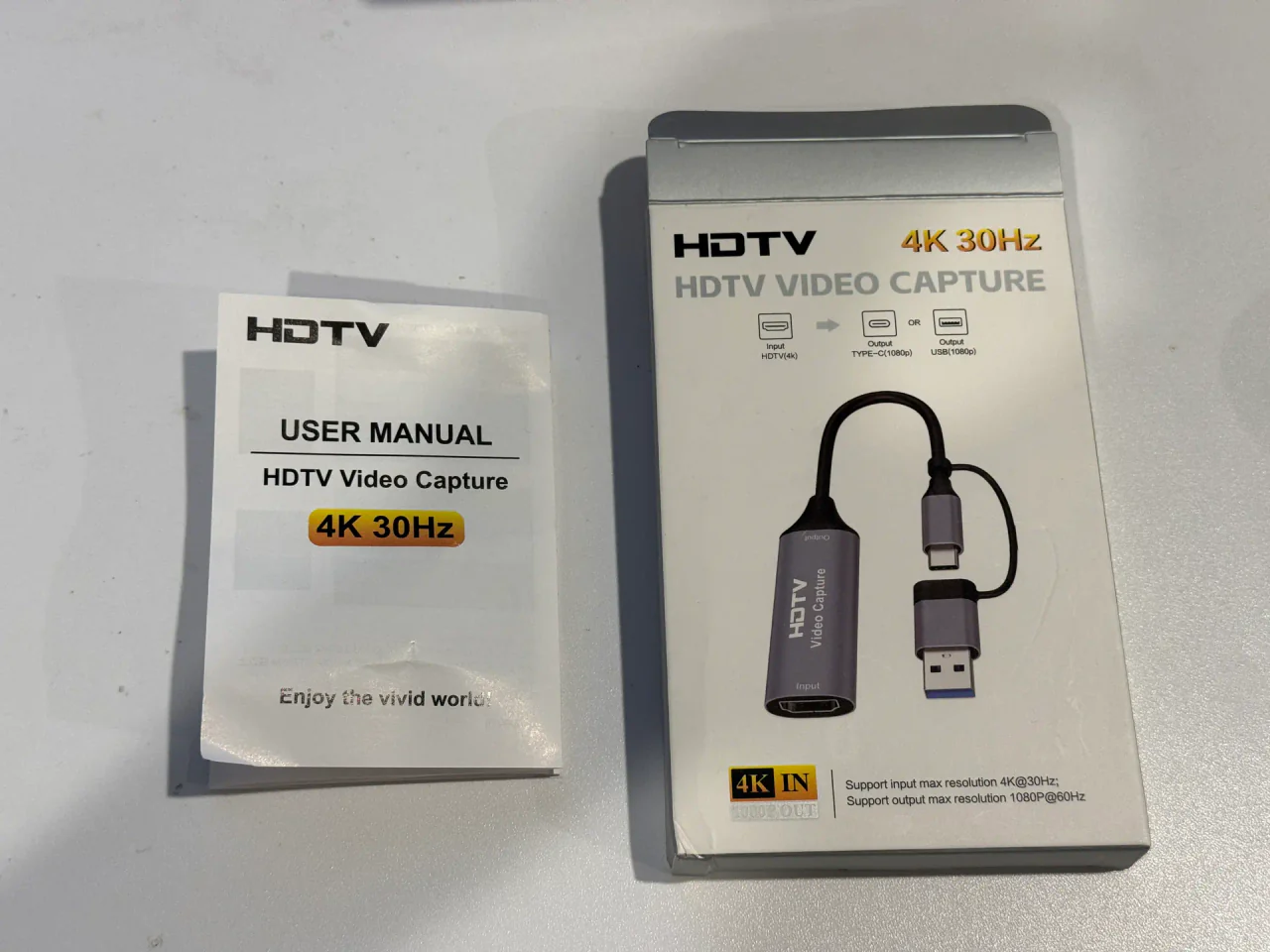
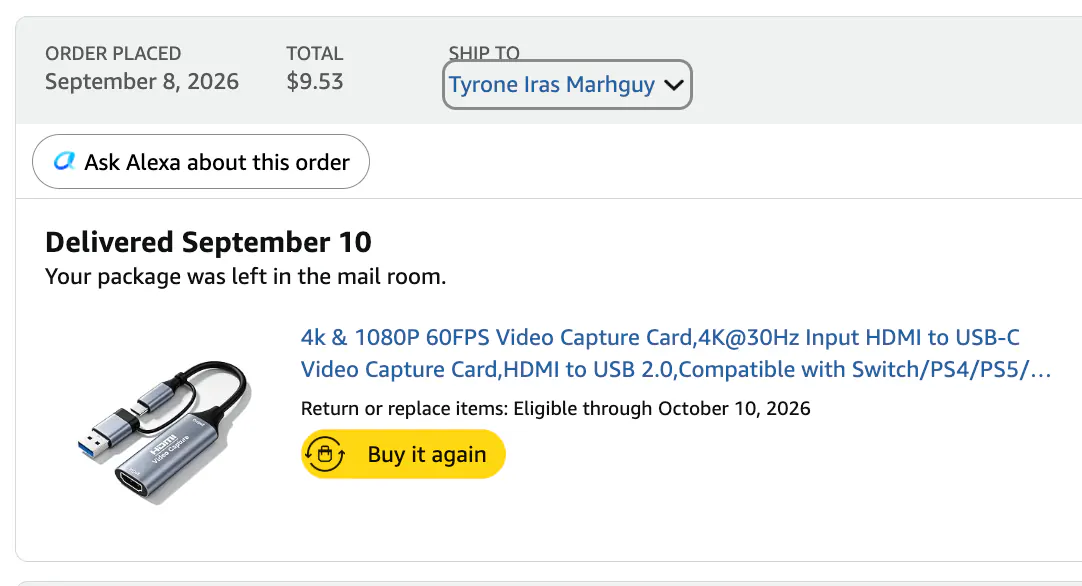
That means clean recordings of TomatoOS, the applications, games, graphics, and whatever else I build next—and a much better record of what the machine actually looked like at each stage of development.
There is something satisfying about getting to the point where the problem is no longer “Can this computer produce video?” but “How do I capture its video nicely?”
From the build
The work behind the words.
FPGA HDMI recording · direct OS output captured through the adapter.