
Run Tomato in your browser
Functional emulator · Tomato OS · Software · Playground
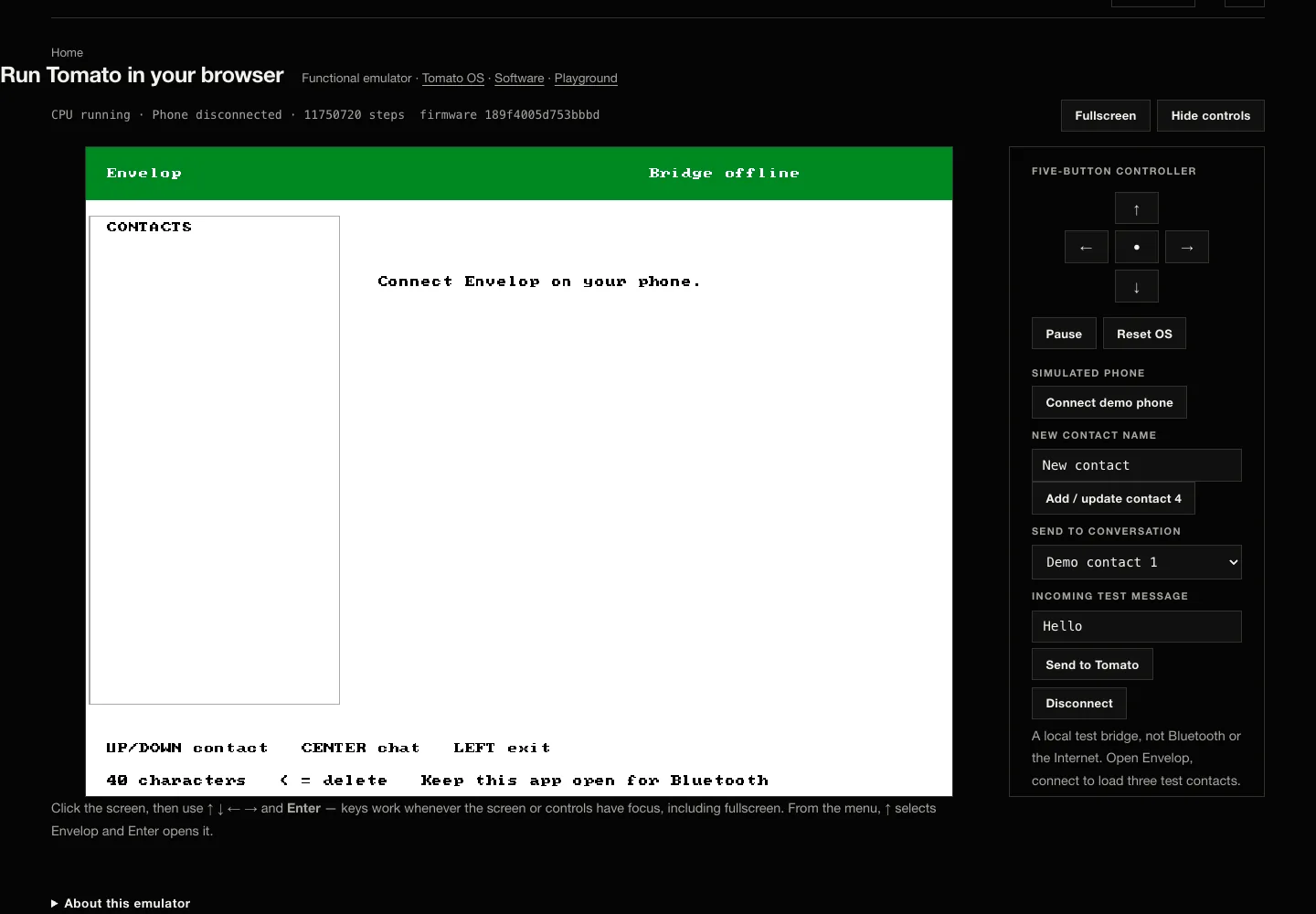
Click the screen, then use ↑ ↓ ← → and Enter — keys work whenever the screen or controls have focus, including fullscreen. From the menu, ↑ selects Envelop and Enter opens it.
About this emulator
What is running here
The current OS assembly — software/os/tomato_os.s plus the Envelop app, assembled by software/assembler.py — repacked by tools/build_web_image.py into one 187 KB image (web/data/tomato-os.bin) and executed by a small CPU core (web/js/tomato-cpu.js) that decodes the microcode tables from the hardware source. Every pixel is painted by real Tomato instructions.
It is a functional emulator: behavior, not timing. Its guest timer models a 6.25 MHz CPU, but execution speed is set by the browser's time-and-step budget, so this is not a 6.25 MHz or cycle-accurate emulator. It proves what the software does, not what the silicon does — the Verilator sims, formal checks, and the FPGA remain ground truth. Scripted sessions replay through the same core file in web/tests/tomato-emu.mjs on every site build.
Envelop and remote compute
Envelop connects a person to the client inside Tomato OS through a queued backend and a nearby verified bridge. This browser demo uses a local simulated phone: it never claims Internet, radio, or FPGA execution. Hardware and Virtual Tomato are separate targets, and a timeout never triggers automatic virtual replay. Read the compute boundary.
Run it locally instead
For the cycle-level machine with the desktop harness: python3 tools/virtual_tomato.py, then open http://127.0.0.1:8766. Regression: python3 tools/test_virtual_tomato.py.